CHEF iQ MiniOven
Designing how the app, oven, and thermometer work together as one cooking experience.
Overview
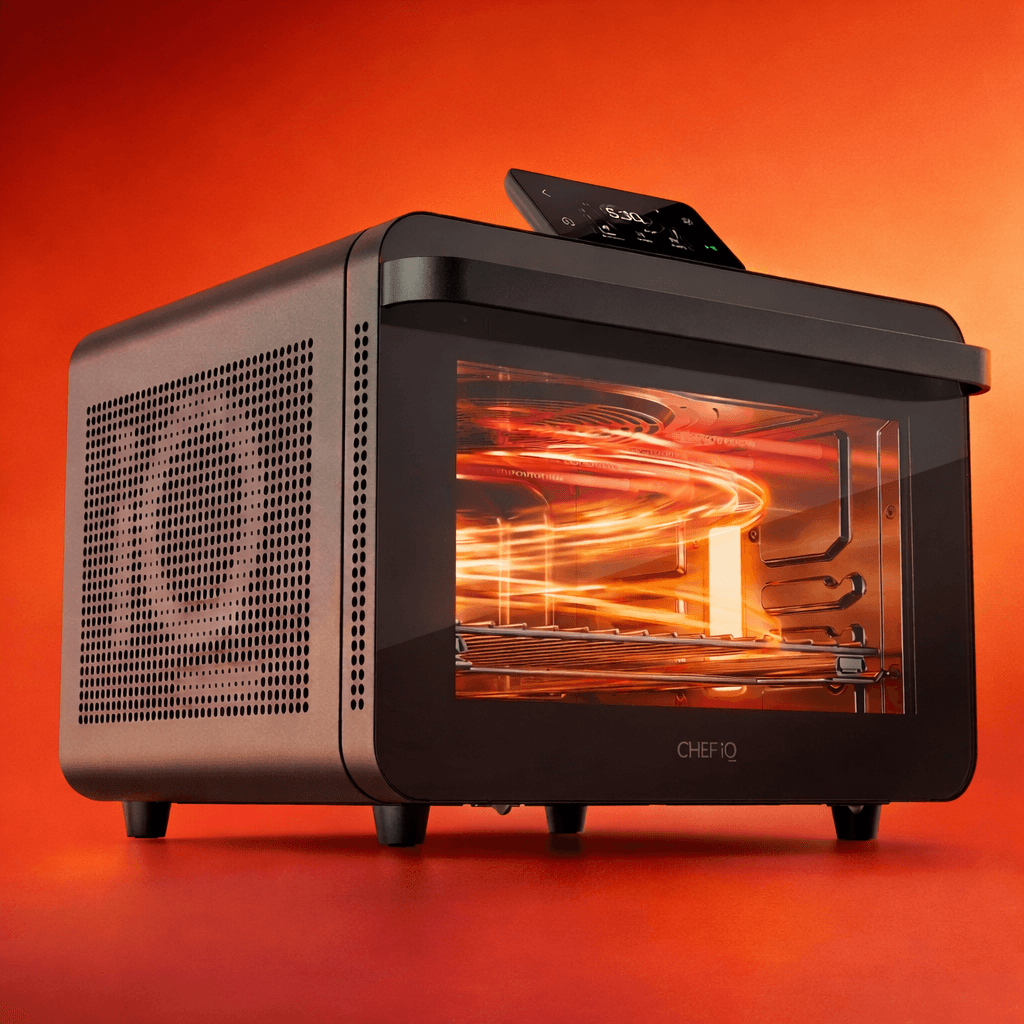
The CHEF iQ MiniOven is a connected countertop oven that integrates with the CHEF iQ mobile app and wireless thermometer to guide cooking.
I worked on the product design for the MiniOven launch, focusing on how the mobile app and oven interact.
My work centered on cook setup and thermometer interconnectivity, enabling users to connect devices, configure their cook, and monitor progress across both the oven display and the mobile app.
My Role
I led the design of the MiniOven cook setup experience in the CHEF iQ mobile app and key parts of the oven display.
I owned the end-to-end thermometer interconnectivity experience, including device setup and connected cooking flows.
I worked closely with product and engineering throughout the MiniOven launch.
The active cook experience for oven-only cooks was outside my scope.
The Problem
The MiniOven was a new product, so the challenge was not to improve an existing flow, but to define a connected cooking experience from the ground up.
The experience spanned the mobile app and the oven display, with thermometer interconnectivity adding another layer of setup and cooking logic. The design challenge was to make these parts of the system feel clear and coordinated, especially during setup and at the start of a cook.
Design Challenge
How might we make a connected cooking experience feel clear and easy to follow across the app and oven?
Design Goals
Make cook setup work clearly across both the app and oven
Make thermometer-driven cooking feel seamless, automatically adapting the cook without adding complexity
Ensure users can confidently take action from either the app or oven without confusion
Allow cooks to continue even when thermometer or connectivity issues occur
Key Design Decisions
Designing Cook Setup Across Both App and Oven
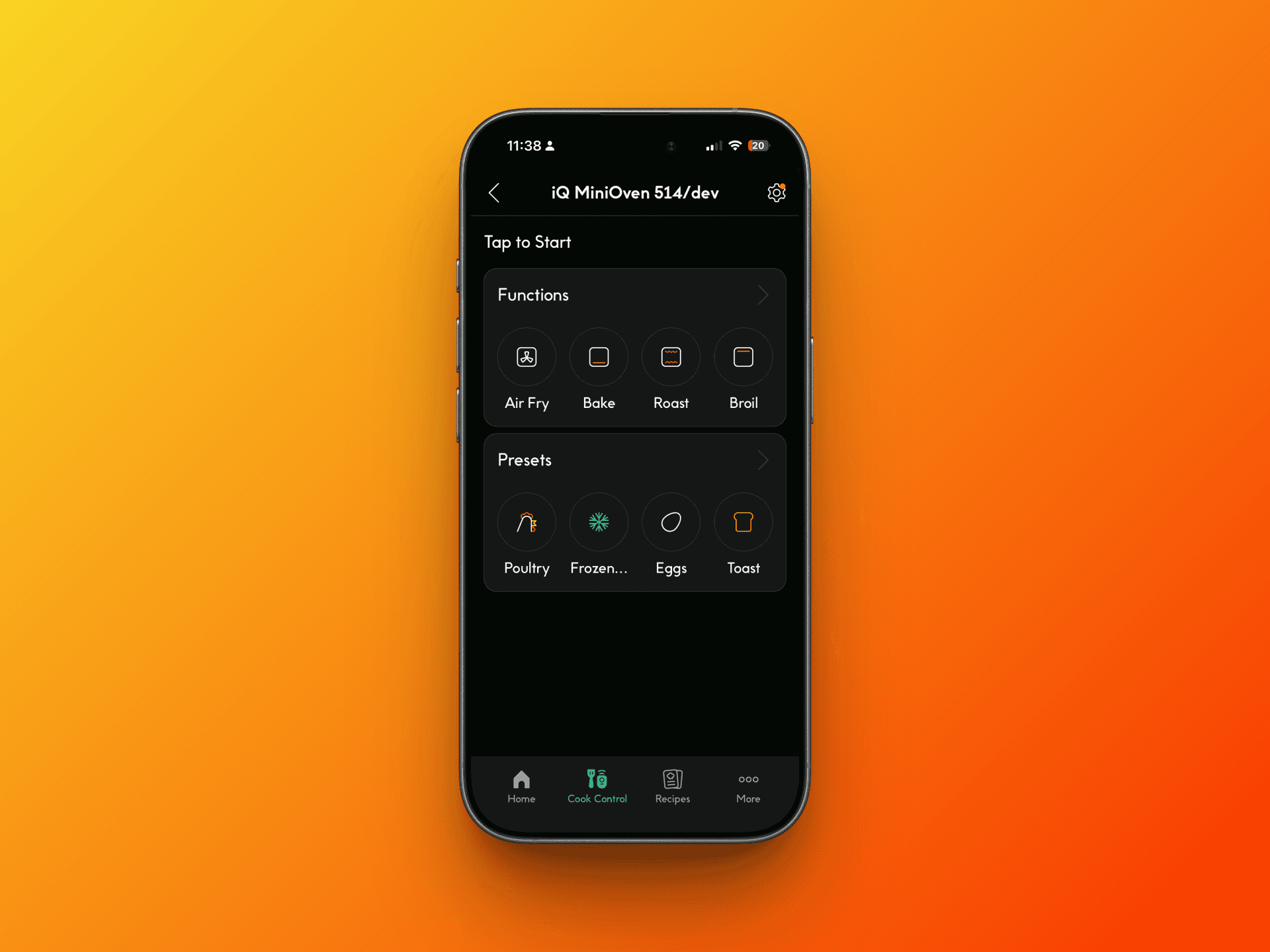
Cook setup needed to work across both the mobile app and the oven display, rather than being confined to a single interface.
Instead of treating one as primary and the other as secondary, the experience was designed so users could configure a cook from either surface, with consistent structure and behavior across both. This allowed flexibility depending on context, while maintaining a predictable setup flow.
Supporting Multi-Phase Cooking (Dual Cook)
Dual Cook allows users to combine two cooking methods into a single session. For example, roasting and then broiling, or proofing and then baking.
This adds flexibility, but also increases complexity during setup, since users are configuring multiple phases with different behaviors. The experience needed to make it easy to define both steps while still understanding the full cook.
The setup was designed to clearly separate each phase while maintaining a sense of one continuous cooking process, including how and when the second phase begins.
Designing Thermometer Interconnectivity As A Unified Cooking System
The thermometer was not treated as an optional add-on, but as something that fundamentally changes how cooking works.
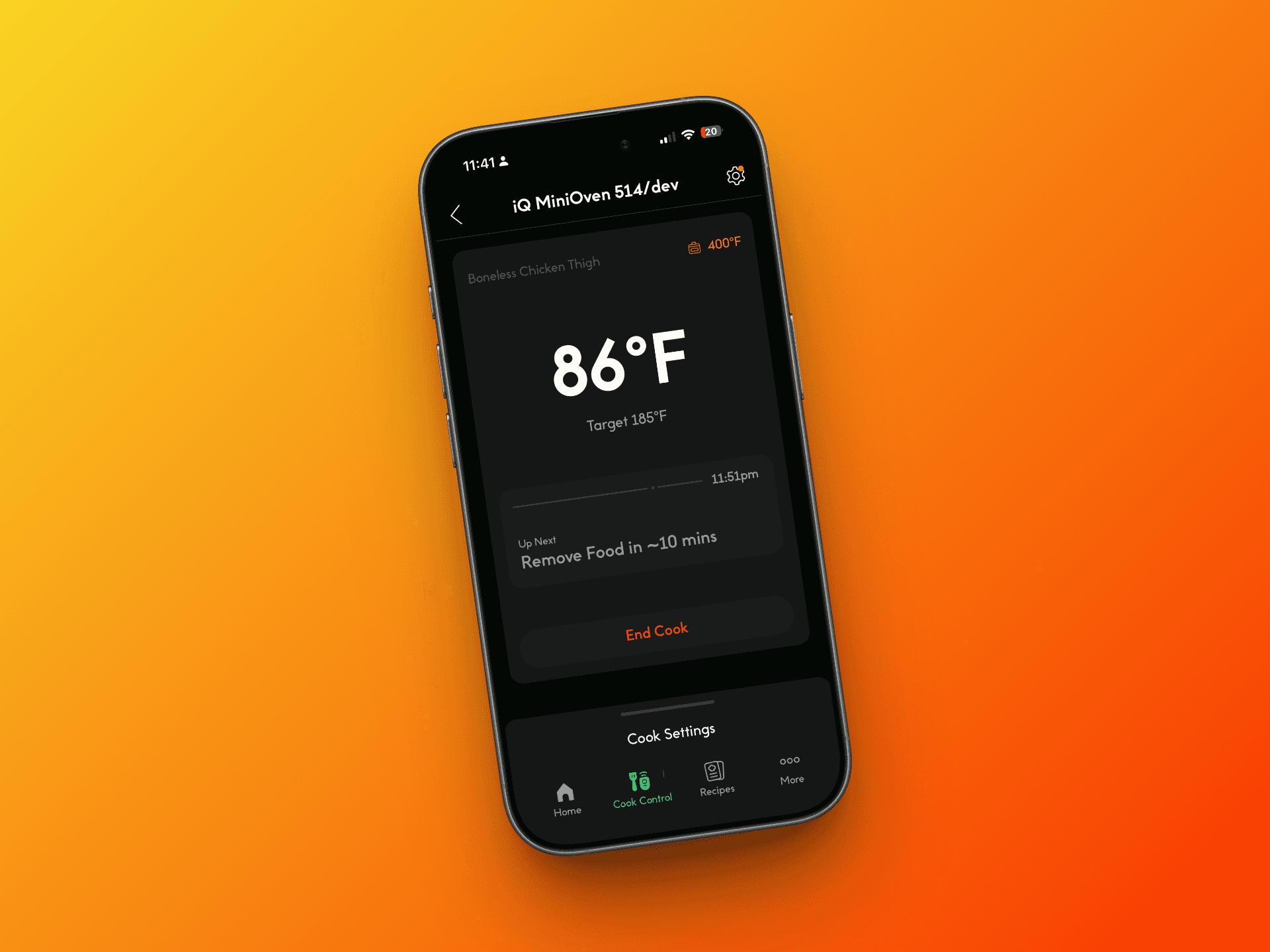
When a thermometer is connected, the cooking model shifts from time-based to temperature-based. Instead of running for a fixed duration, the oven responds to the internal temperature of the food, using it to determine doneness and automatically stop cooking when the target is reached.
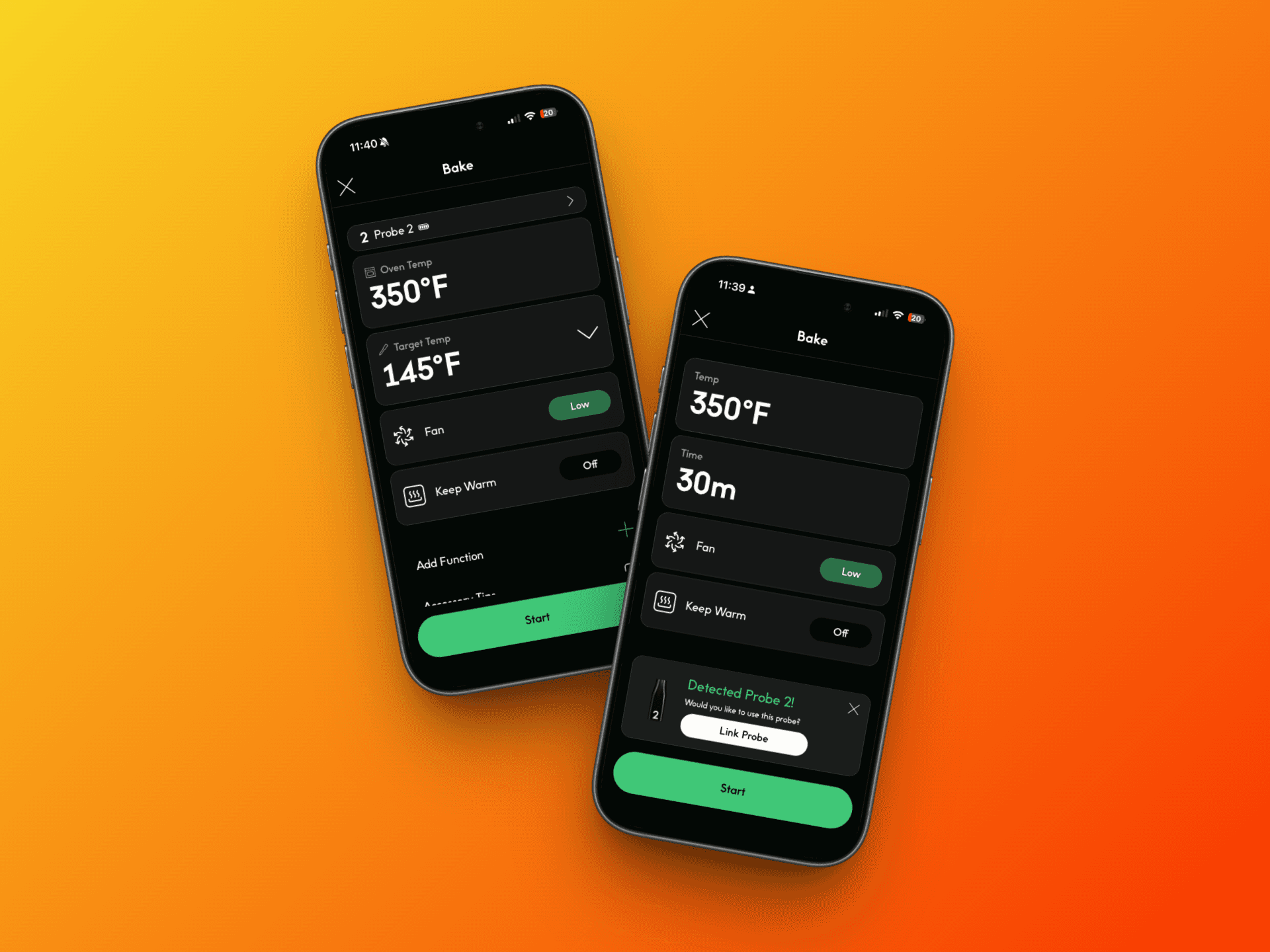
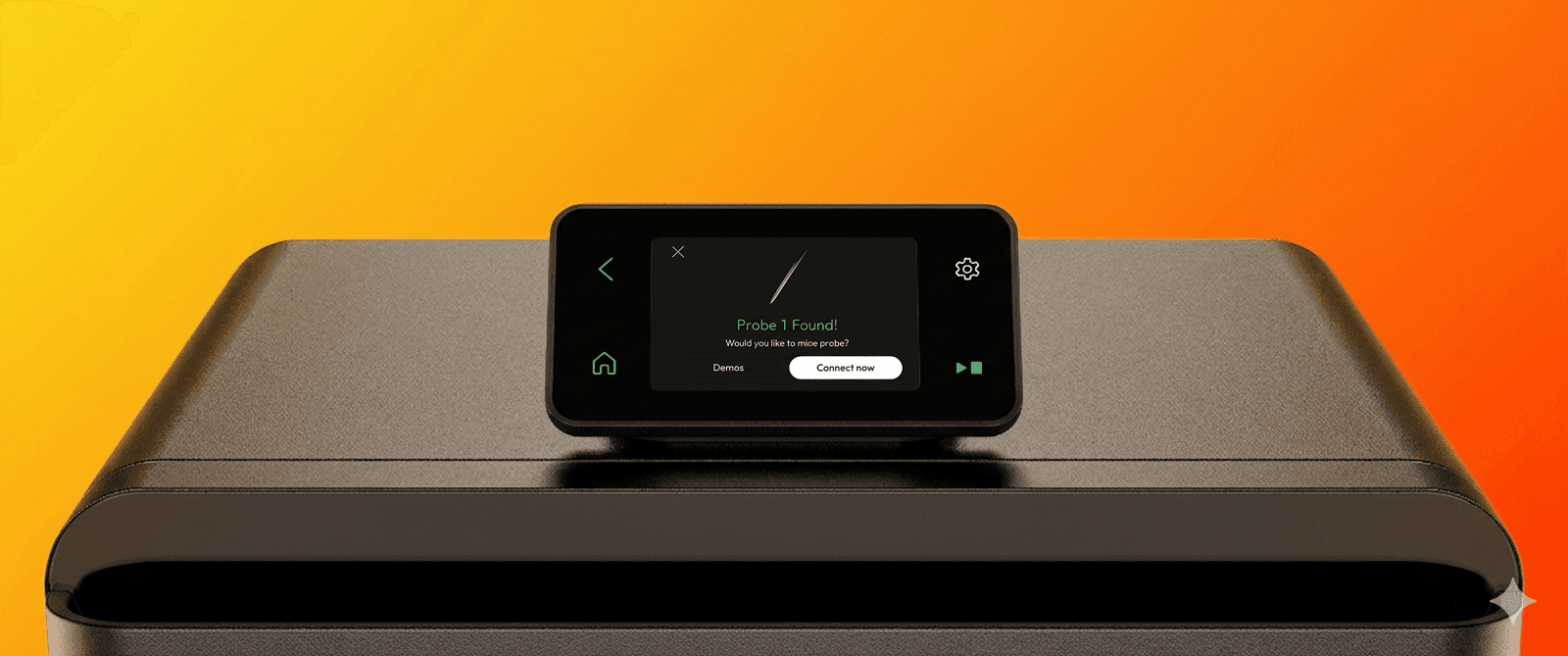
This required rethinking both behavior and UI. The interface adapts to show temperature targets, as well as additional states like remove from heat and resting. When a probe is detected during a relevant cook, users are prompted to connect it, allowing them to seamlessly transition from a time-based cook to a temperature-driven one.
The goal was to make this transition feel natural and beneficial, rather than like a separate or more complex mode.
Designing For Failure and Recovery
Connected cooking introduces multiple points of failure — including WiFi and cloud connectivity, probe disconnections, overheating, and sensor issues.
Rather than simply surfacing errors, the experience was designed to keep the cook going whenever possible.
For example, if the thermometer became unavailable during a cook, the oven would fall back to an estimated remaining time instead of stopping entirely. This allowed users to continue cooking without losing progress, even when part of the system failed.
The goal was to make the system resilient, so errors didn’t immediately translate into a failed cooking experience.
Outcome
The MiniOven launched as part of Chef iQ’s connected ecosystem, bringing together the mobile app, oven display, and thermometer into a single system.
A big part of this work was defining how these pieces work together. Actions on the app affect the oven, and the thermometer changes how the cook behaves, so the system needed to feel consistent across everything.
At the same time, the oven still had to work fully on its own. The app adds flexibility and control, but isn’t required. When a thermometer is connected, the cook shifts from time-based to temperature-based, allowing for more precise results without needing constant monitoring.
The goal was to make the connected experience more powerful, without making it more complicated.
This defined how connected cooking works across the CHEF iQ ecosystem.
Reflection
This was my first time working on a connected system where multiple products actually work together, not just as separate experiences.
It forced me to think beyond individual screens and focus more on how the system behaves as a whole, especially how changes in one part affect everything else.
Working across the app, oven, and firmware also shifted how I approach design. It wasn’t just about UI — it was about behavior, constraints, and how the product actually works in real-world conditions.
It pushed me to think more like a product designer, not just someone designing screens.
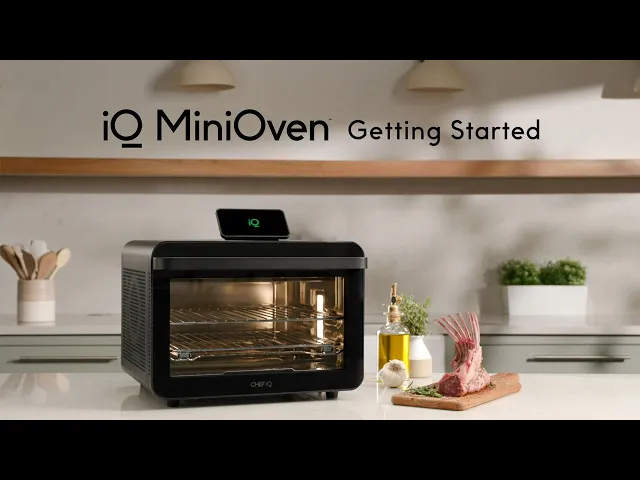
View the official iQ MiniOven Video